 91d23dabe3
* dev: setup basic store structure for issue types and custom properties.

* dev: create issue types and add back migration for existing issues

* dev: fix save

* dev: fix migration for issue types

* dev: create page version

* dev: add page versioning migrations

* dev: create page version endpoints

* WIP: issue types.

* chore: update issue types & properties store structure.

* dev: add is_default value in issue type

* dev: implement create, update, list and delete for issue-types. (#584)

* dev: implement create, update, list and delete for issue-types.

* dev: issue properties root.

* dev: rename model

* dev: create issue property and related models

* dev: create issue property and issue types api

* dev: issue type endpoint

* dev: add issue type feature flagging

* dev: issue property options

* dev: issue properties creation and updation.

* dev: add fields to project and issue types

* dev: issue property and issue types api

* dev: update issue type migrations

* dev: issue types enabled

* dev: update folder structure and move default issue type validation

* dev: update values endpoint to return arrays

* dev: rename value to values

* chore: API integration for issue types and properties settings.

* dev: rename urls

* dev: issue type values endpoint

* dev: remove print logs

* dev: create issue property activity task

* dev: return dictionary on issue values list endpoint

* fix: boolean types

* dev: add issue type validation

* fix: issue create with different type

* dev: issue types settings and user side flow.

* chore: add option to enable/ disable issue property.

* chore: fix property attribute popover position

* chore: add validation to remove default value for mandatory properties.

* chore: add validation to disable editing property core attributes.
* allow editing if no issue is attached to the issue type.

* chore: update issue type loader logic.

* chore:minor UI & UX improvements.

* chore: add option to enable/ disable issue types.

* chore: add property title dropdown to allow adding description while creating property.

* chore: minor code restructuring.

* chore: add `scrollIntoView` when adding new properties.

* chore: update enable/ disable issue type logic.

* chore: add property type icon.

* chore: improve property values loader.

* chore: add validation to only show issue types in projects where it's enabled.

* fix: quick add.

* chore: create/ update issue modal components restructuring.

* fix: global issue update through modal on inital load.

* chore: add validations to remove `default_value` when `is_required` is set to True.

* fix: build errors.

* chore: create/ update draft issue with custom properties.

* chore: add logic to get issue property values while creating issue copy.

* dev: remove default issue type creation

* dev: issue property activity endpoint

* chore: set property `is_active` to false by default.

* chore: minor improvements

* chore: refactor logic to render display name in member picker.

* chore:minor improvement to issue types loader and data fetching.

* fix: type declarations.

* chore: add property options for dropdown property type. (#737)

* chore: add property options for dropdown property type.

* chore: components restructuring.

* improvement: issue types and properties (#742)

* chore: add property options for dropdown property type.

* chore: components restructuring.

* chore: UI improvements and minor fixes.

* chore: issue types and properties store refactor.

* chore: improve UX copy of properties and attributes.

* chore: improve enable/ disable issue type flow.

* chore: rename `Issue Extra Property` to `Issue Additional Property`

* chore: update `handleCreateDataUpdate` to `updateCreateListData`.

---------

Co-authored-by: pablohashescobar <nikhilschacko@gmail.com>
Co-authored-by: Satish Gandham <satish.iitg@gmail.com>

Plane
Open-source project management that unlocks customer value


Website • Releases • Twitter • Documentation


Meet Plane, an open-source project management tool to track issues, run sprints cycles, and manage product roadmaps without the chaos of managing the tool itself. 🧘♀️
Plane is evolving every day. Your suggestions, ideas, and reported bugs help us immensely. Do not hesitate to join in the conversation on Discord or raise a GitHub issue. We read everything and respond to most.
⚡ Installation
The easiest way to get started with Plane is by creating a Plane Cloud account.
If you would like to self-host Plane, please see our deployment guide.
| Installation methods | Docs link |
|---|---|
| Docker |  |
| Kubernetes |  |
Instance admins can configure instance settings with God-mode.
🚀 Features
-
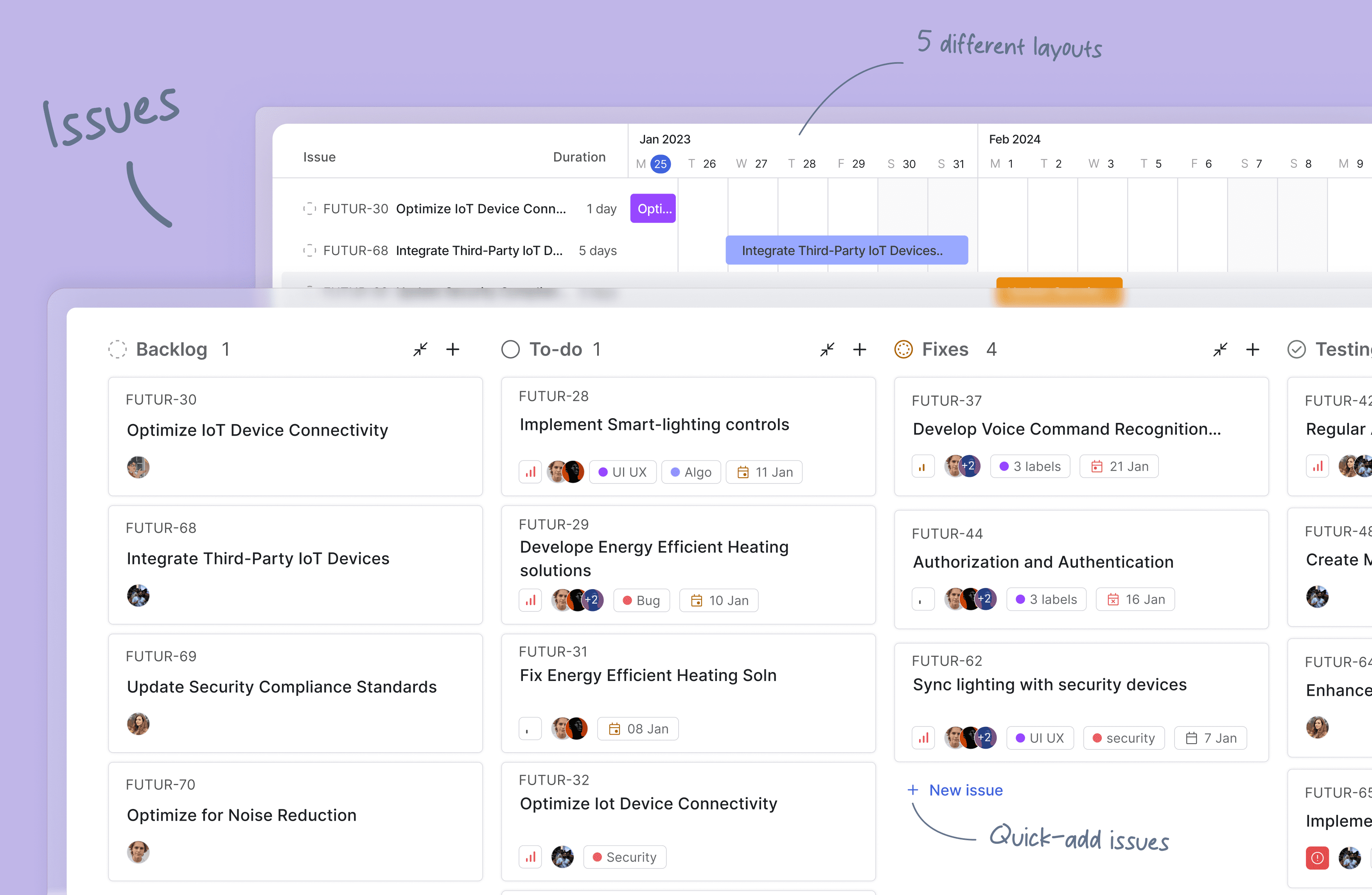
Issues: Quickly create issues and add details using a powerful rich text editor that supports file uploads. Add sub-properties and references to problems for better organization and tracking.
-
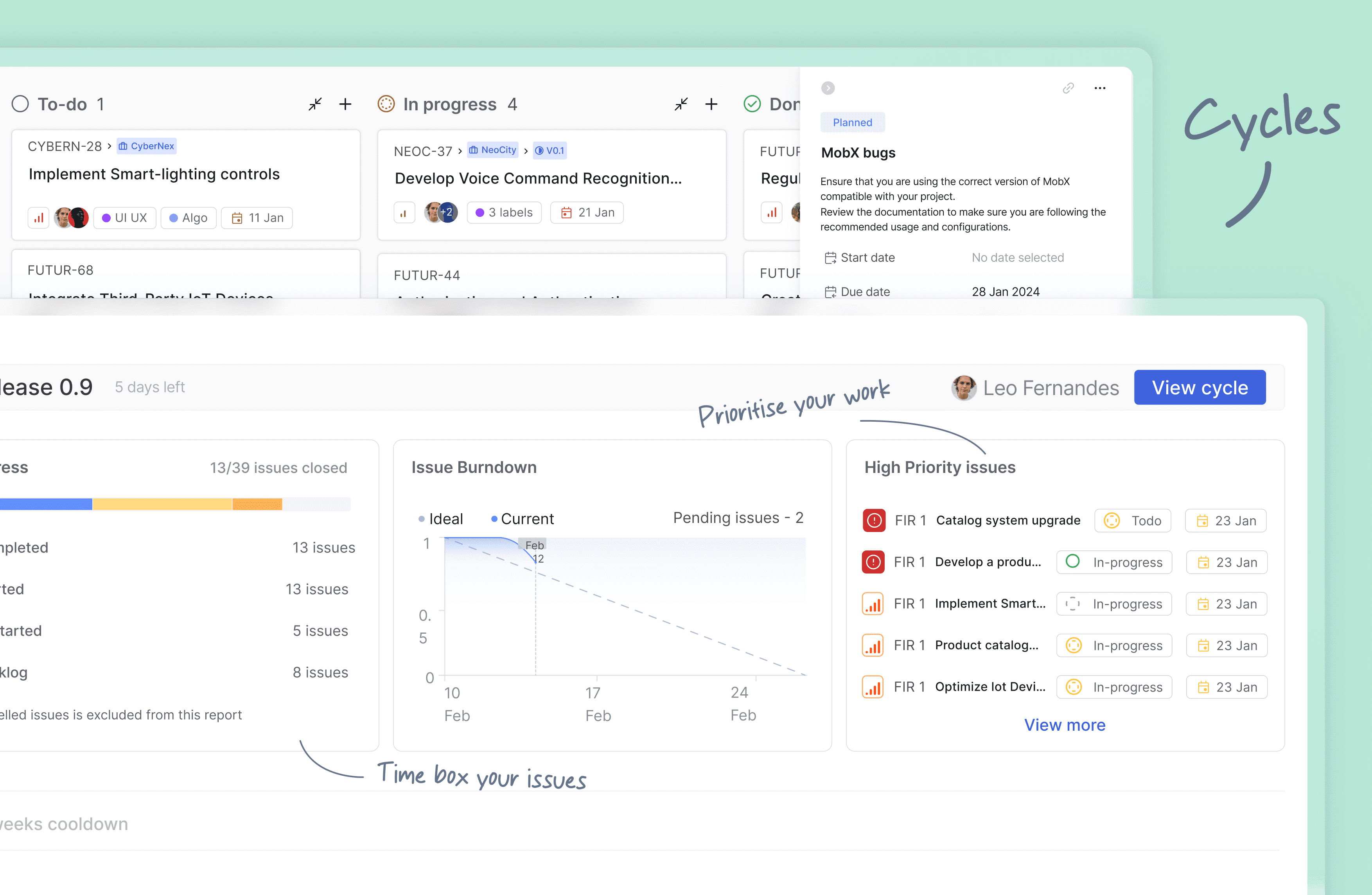
Cycles: Keep up your team's momentum with Cycles. Gain insights into your project's progress with burn-down charts and other valuable features.
-
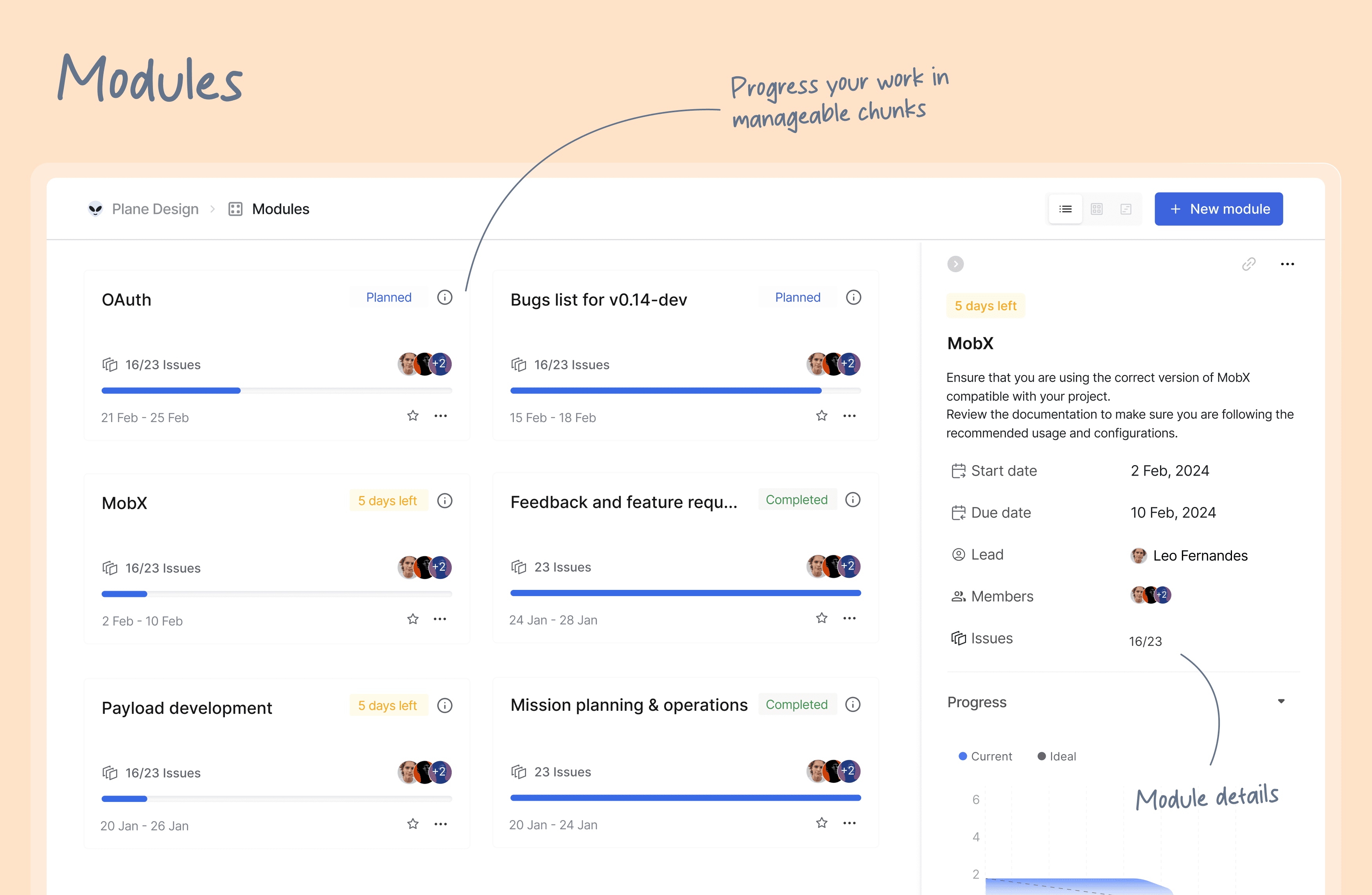
Modules: Break down your large projects into smaller, more manageable modules. Assign modules between teams to track and plan your project's progress easily.
-
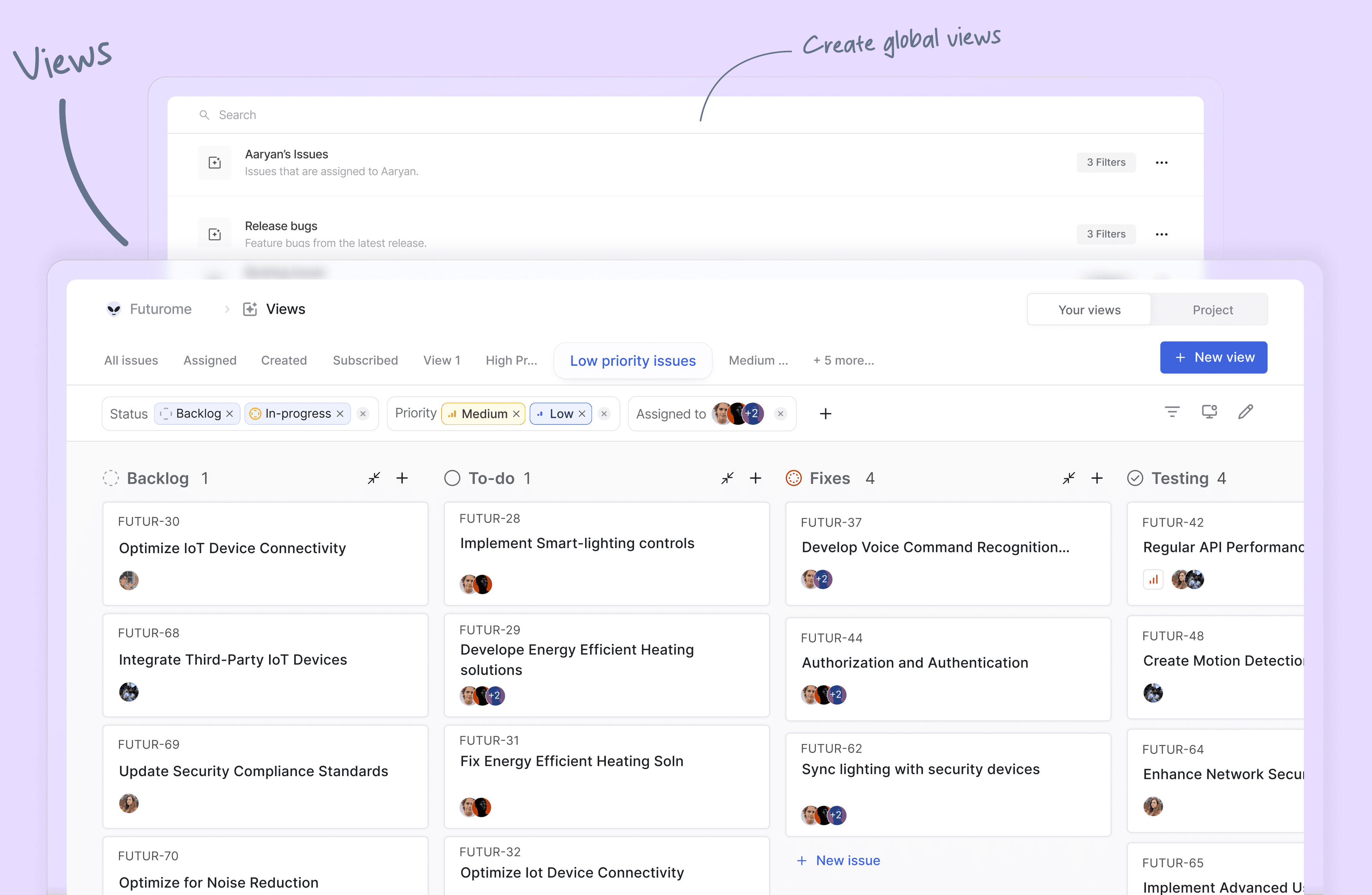
Views: Create custom filters to display only the issues that matter to you. Save and share your filters in just a few clicks.
-
Pages: Plane pages, equipped with AI and a rich text editor, let you jot down your thoughts on the fly. Format your text, upload images, hyperlink, or sync your existing ideas into an actionable item or issue.
-
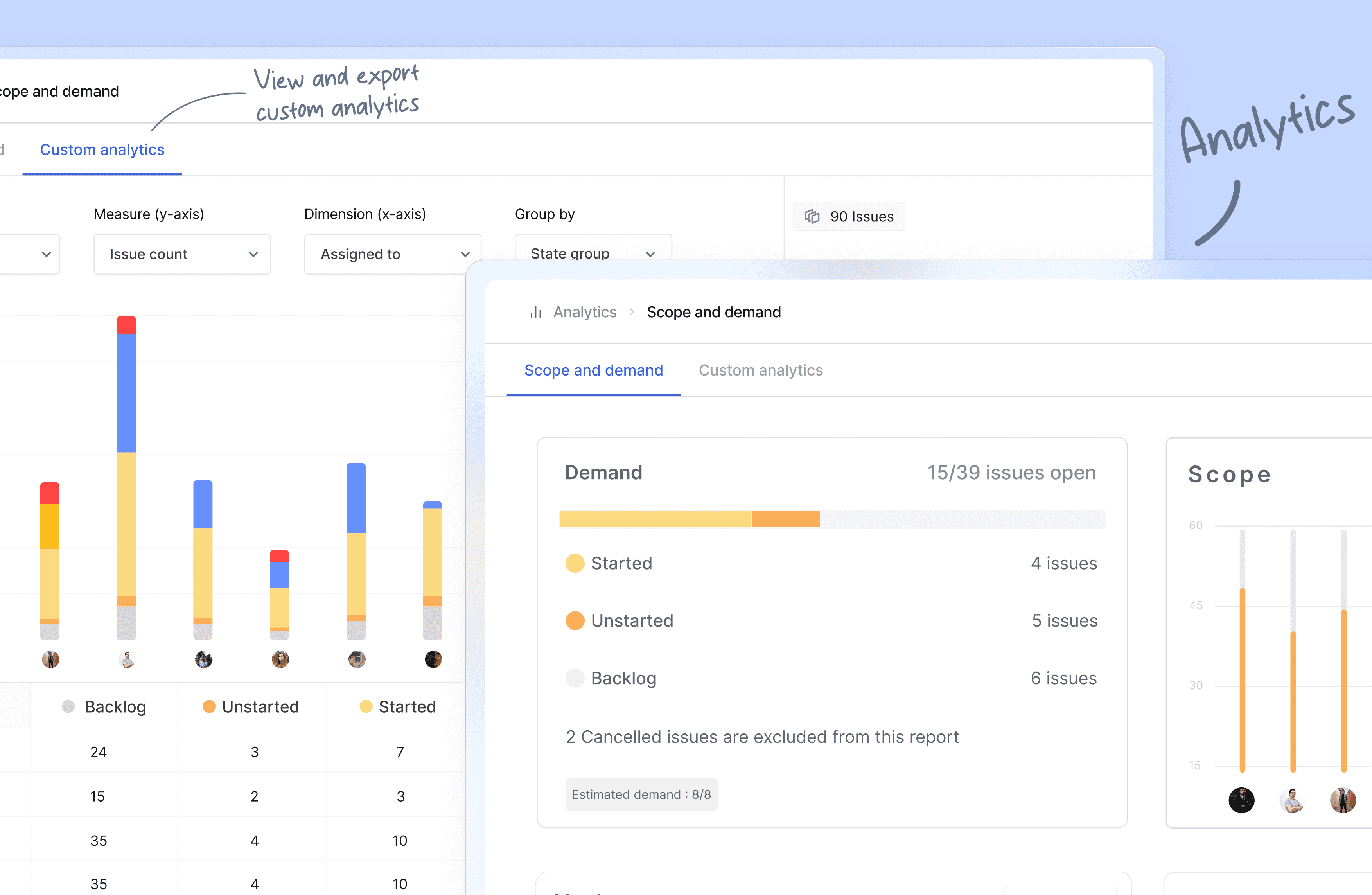
Analytics: Get insights into all your Plane data in real-time. Visualize issue data to spot trends, remove blockers, and progress your work.
-
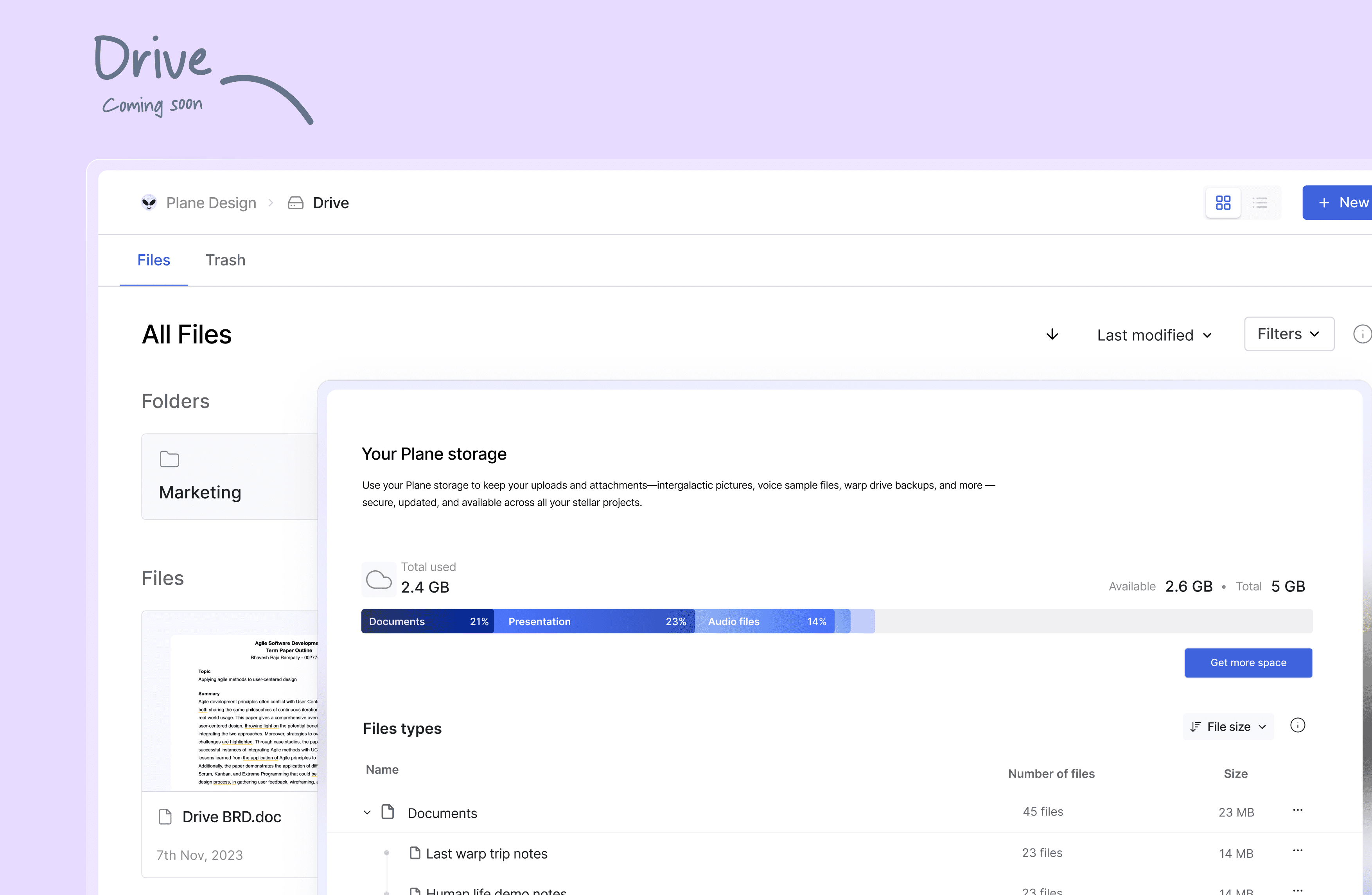
Drive (coming soon): The drive helps you share documents, images, videos, or any other files that make sense to you or your team and align on the problem/solution.
🛠️ Quick start for contributors
Development system must have docker engine installed and running.
Setting up local environment is extremely easy and straight forward. Follow the below step and you will be ready to contribute -
- Clone the code locally using:
git clone https://github.com/makeplane/plane.git - Switch to the code folder:
cd plane - Create your feature or fix branch you plan to work on using:
git checkout -b <feature-branch-name> - Open terminal and run:
./setup.sh - Open the code on VSCode or similar equivalent IDE.
- Review the
.envfiles available in various folders. Visit Environment Setup to know about various environment variables used in system. - Run the docker command to initiate services:
docker compose -f docker-compose-local.yml up -d
You are ready to make changes to the code. Do not forget to refresh the browser (in case it does not auto-reload).
Thats it!
❤️ Community
The Plane community can be found on GitHub Discussions, and our Discord server. Our Code of conduct applies to all Plane community chanels.
Ask questions, report bugs, join discussions, voice ideas, make feature requests, or share your projects.
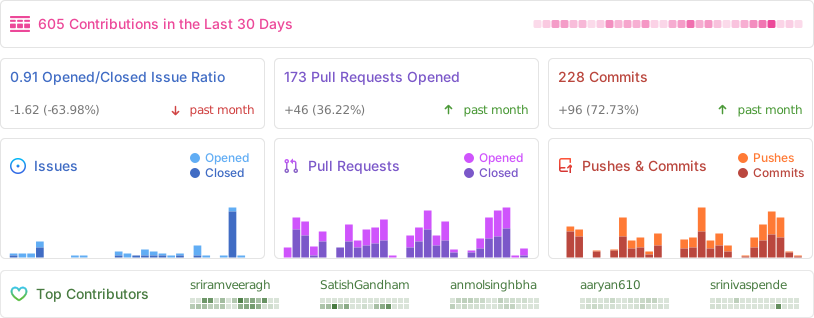
Repo Activity
📸 Screenshots
⛓️ Security
If you believe you have found a security vulnerability in Plane, we encourage you to responsibly disclose this and not open a public issue. We will investigate all legitimate reports.
Email squawk@plane.so to disclose any security vulnerabilities.
❤️ Contribute
There are many ways to contribute to Plane, including:
- Submitting bugs and feature requests for various components.
- Reviewing the documentation and submitting pull requests, from fixing typos to adding new features.
- Speaking or writing about Plane or any other ecosystem integration and letting us know!
- Upvoting popular feature requests to show your support.